dimmer switch buzzing sound is a common issue in modern homes, often causing worry and frustration. Whether it’s a faint hum when the lights are dimmed or a loud buzz every time you flip the switch, understanding the root cause will help you fix the problem safely and permanently.
Quick overview: Is a buzzing dimmer dangerous?
Not every buzzing dimmer is immediately dangerous, but a persistent or loud buzz can indicate an unsafe electrical issue. Many buzzing sounds are caused by compatibility or minor mechanical issues; others point to loose wiring or an overloaded circuit, which require immediate attention. Always start troubleshooting with safety in mind and turn power off at the breaker before opening switch plates.
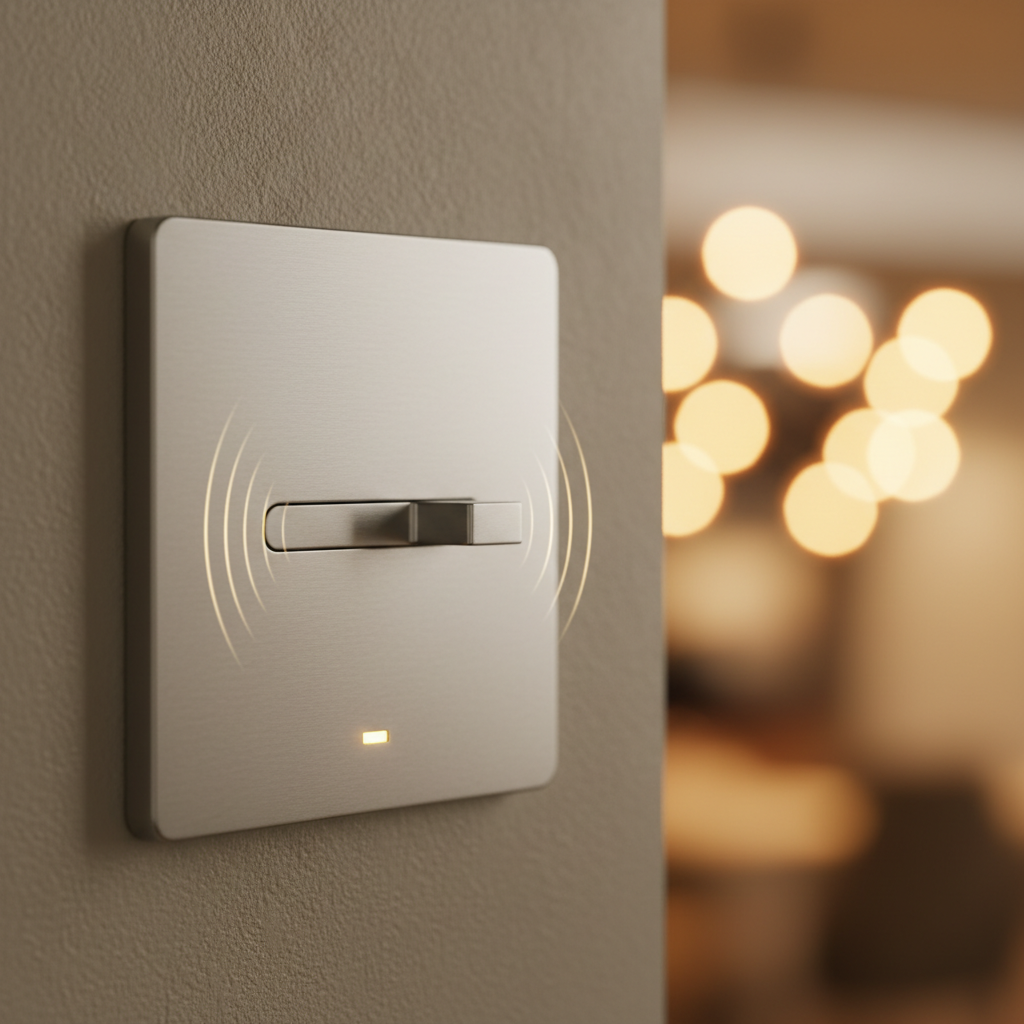
Common causes of a dimmer switch buzzing sound
Understanding why a dimmer buzzes will help you choose the correct fix. Here are the most frequent causes:
- Bulb and dimmer incompatibility: LED and CFL bulbs are often the culprits. Not all bulbs are designed to work with a dimmer’s circuitry, especially older triac-style dimmers built for incandescent loads.
- Type of dimmer (leading-edge vs. trailing-edge): Older leading-edge dimmers can cause a buzz with electronic drivers used in LEDs. Trailing-edge (electronic) dimmers are typically quieter with LEDs.
- Cheap or overloaded dimmer: Low-quality dimmers or dimmers operating near their load limit can hum. If multiple fixtures on one dimmer exceed its wattage rating, buzzing and heat can occur.
- Loose wiring or terminal connections: Loose screws or poor connections inside the switch can create arcing and buzzing—this is an electrical hazard and should be addressed promptly.
- Faulty bulb drivers or transformers: Low-voltage fixtures with magnetic or electronic transformers (e.g., halogen undercabinet lights) can cause noise when dimmed.
- Vibration in the fixture or switch plate: Sometimes the sound is mechanical vibration rather than electrical. The switch or faceplate might vibrate against drywall.
- Aging or defective dimmer: Over time components degrade and start to hum.
How to diagnose a buzzing dimmer — step-by-step
Follow these safe, systematic steps to identify the cause of your dimmer switch buzzing sound. If at any point you’re uncomfortable working with electrical parts, stop and call a licensed electrician.
1. Isolate the noise
Try to determine whether the buzz is coming from the switch, the bulb, or the fixture. Turn the lights on and off, adjust the dimmer throughout its range, and listen closely. If the sound changes when you touch the fixture or switch plate, vibration might be the issue.
2. Swap the bulb
Replace the bulb with a known, compatible type—preferably an incandescent or a dimmer-compatible LED labeled specifically for dimming. If the buzzing stops, the bulb and dimmer were incompatible.
3. Test with a different dimmer or fixture
If possible, swap the dimmer with another dimmer known to be LED-compatible, or temporarily connect the fixture to a non-dimmed circuit. This can quickly tell you whether the dimmer or fixture is at fault.
4. Check load ratings
Confirm the dimmer’s wattage rating and calculate the total load of all connected bulbs and fixtures. Overloading the dimmer often causes buzzing and overheating.
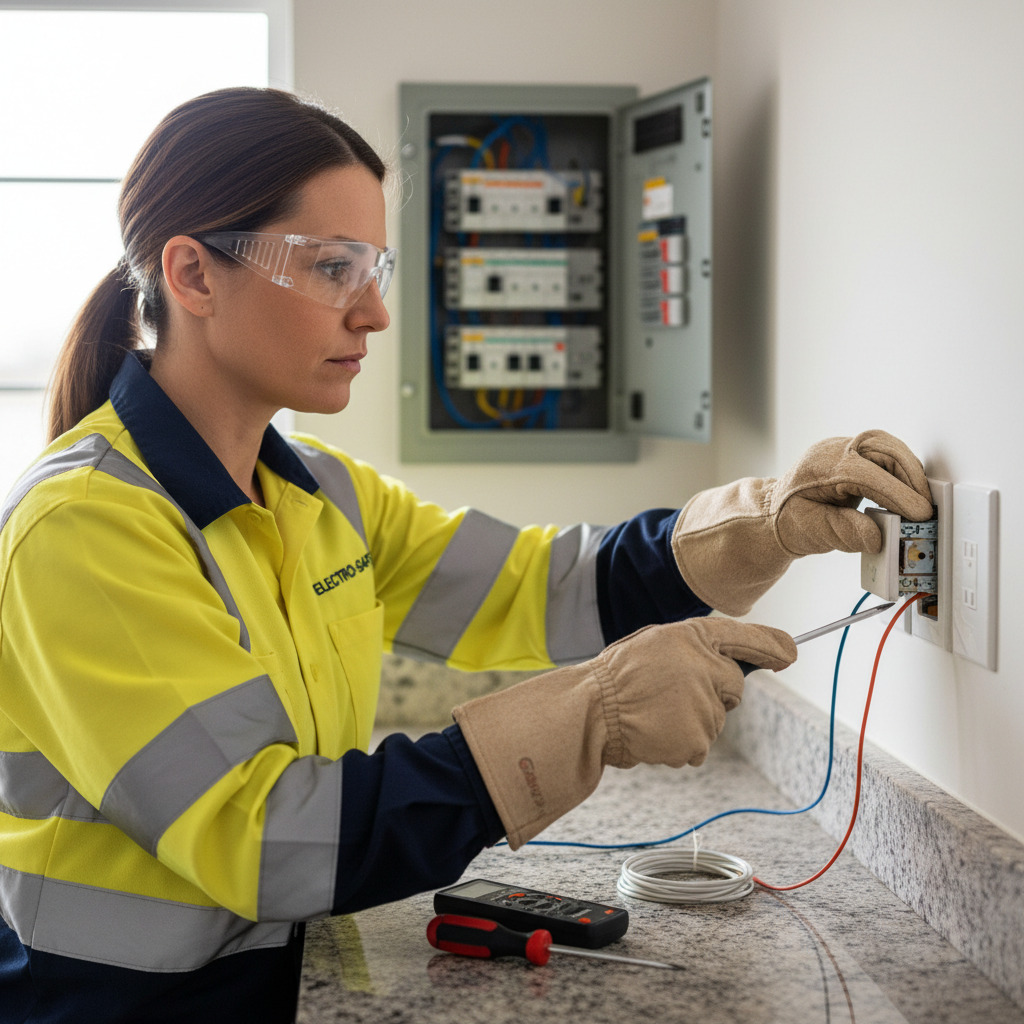
5. Inspect for loose wiring (power off)
Turn the breaker off and remove the switch plate. Check that screws and wire connections are tight. If you find loose or discolored wires, call an electrician; loose connections can cause arcing and fire risk.
6. Observe transformer or driver behavior
For low-voltage or LED fixtures with drivers, a noisy driver or magnetic transformer can buzz when dimmed. Replacing a magnetic transformer with an electronic one or using a dimmer compatible with electronic drivers can resolve the issue.
Solutions: How to stop a dimmer switch from buzzing
Once you’ve diagnosed the source, choose one of these fixes tailored to the cause:
1. Replace incompatible bulbs
Use bulbs specifically labeled “dimmable” and check the dimmer manufacturer’s approved bulb list when possible. Many LED bulbs designed for dimming will be quieter, especially when paired with a compatible dimmer.
2. Upgrade to an LED-compatible dimmer
If you switched to LED lighting, upgrade to a dimmer designed for LEDs (often a trailing-edge or electronic type). These dimmers are built to work with electronic drivers and greatly reduce humming.
3. Replace or upgrade the dimmer
Choose a higher-quality dimmer with better noise suppression and an appropriate load capacity. Look for dimmers from reputable brands that list compatibility with LEDs, CFLs, halogens, and incandescent bulbs.
4. Add a load stabilizer or noise filter
For stubborn buzzing with LEDs, some manufacturers offer load capacitors or noise suppressors (sometimes called “LED dimmer-compatible load” devices). These small modules are installed behind the switch to stabilize the load and reduce buzzing. Use only parts approved for your dimmer and wiring configuration.
5. Secure loose parts
Tighten the switch plate and check that the fixture is solidly mounted. Small felt pads or rubber washers can also reduce vibration transmitting into walls.
6. Replace transformers or drivers
If low-voltage fixtures use a noisy magnetic transformer, replace it with an electronic transformer recommended for dimming, or choose a driver explicitly rated as quiet and dimmer-compatible.
7. Call a professional electrician
If you discover loose wires, burn marks, discoloration, or the breaker trips, stop and contact a licensed electrician. These signs may indicate a dangerous wiring issue that needs professional remediation.
Choosing the right dimmer for quiet operation
- Pick a dimmer specifically labeled for the bulb type (LED/CFL/incandescent/halogen).
- For LED lighting, prefer trailing-edge (also called ELV or electronic) dimmers.
- Check the dimmer’s minimum and maximum load ratings; LEDs often have a minimum required load.
- Choose dimmers from reputable manufacturers and consult their compatibility lists for bulb models.
When to replace the dimmer vs. the bulb
Replace the bulb first if it’s an obvious mismatch or non-dimmable. If the issue persists after trying dimmable bulbs, upgrading the dimmer is the next step. If you still have buzzing after switching both bulb and dimmer, suspect wiring or transformer issues and consult a pro.
Costs and time estimates
Simple fixes like replacing a bulb or tightening a plate take minutes and cost little. A mid-range LED-compatible dimmer costs $20–$50. Hiring an electrician to diagnose and repair wiring or replace transformers can range from $100 to several hundred dollars depending on complexity and local labor rates.
Safety tips
- Always turn off the breaker before working on switches or fixtures.
- If you detect overheating, burning smell, or discoloration around the switch, switch plate, or fixture, stop and call an electrician immediately.
- Do not install devices beyond their rated loads.
- Use components rated for your home’s voltage and wiring type.
Real-life examples and quick fixes
Example 1: Kitchen pendant lights buzz when dimmed. Solution: Swap to an LED-compatible dimmer and use dimmable LED bulbs from the fixture manufacturer’s compatibility list.
Example 2: Undercabinet halogen lights hum with the existing dimmer. Solution: Replace the magnetic transformer with an electronic transformer designed for dimming, or convert to LED fixtures with compatible drivers.
Expert references and further reading
For general advice on choosing and installing dimmer switches, reputable home brands offer helpful guidance on compatibility and safety. For example, Better Homes & Gardens provides practical tips on dimmer types and lighting choices, which can be a helpful starting point when planning upgrades: Better Homes & Gardens: Dimmer switches explained.
Frequently asked questions (FAQs)
Why does my LED bulb buzz when dimmed but not when at full brightness?
LED drivers and dimmers interact differently at lower voltages. Many LED drivers are less stable at low dim levels, causing audible buzzing. Using a dimmer rated for LEDs or selecting a bulb with a better driver usually solves it.
Is it normal for a dimmer switch to hum slightly?
A faint hum can be normal, especially in older dimmers or with certain bulb types. However, a loud or growing buzz, heat, or flicker is not normal and should be investigated.
Can I add thicker insulation or padding to stop the buzz?
Padding around the switch plate can reduce vibration noise but won’t fix the electrical cause. Do this only after confirming the buzz is mechanical, not electrical. Never cover or block ventilation in switches that may generate heat.
Are all LED bulbs compatible with any dimmer?
No. Many LED bulbs are dimmable, but not all are compatible with every dimmer. Check the bulb packaging and the dimmer manufacturer’s compatibility list before pairing them.
Will replacing the dimmer with a smart dimmer stop buzzing?
Possibly. Many smart dimmers are designed for LED loads and provide better electronic control, reducing noise. Check compatibility and load ratings before upgrading.
When should I call an electrician?
Call a licensed electrician if you find loose wires, scorch marks, persistent overheating, tripped breakers, or if you’re not comfortable with electrical troubleshooting. These are signs of potentially dangerous wiring problems.
Final checklist before you start fixing a buzzing dimmer
- Turn off power at the breaker.
- Confirm bulb is marked dimmable and is compatible with your dimmer type.
- Check total wattage against dimmer rating.
- Tighten switch plate and wire connections (power off).
- Consider replacing older dimmers with LED-compatible trailing-edge models.
- Call a licensed electrician for any signs of overheating, loose wires, or burning smell.
Troubleshooting a dimmer switch buzzing sound can often be done quickly and safely with the right approach: identify whether the noise is electrical or mechanical, test bulbs and dimmers for compatibility, and replace or upgrade components as needed. When in doubt, a licensed electrician will ensure the job is done correctly and safely.
For more ideas on creating a comfortable, modern living area and practical home upgrades, explore How to Design A Comfortable Modern Living Space: How to Design A Comfortable Modern Living Space