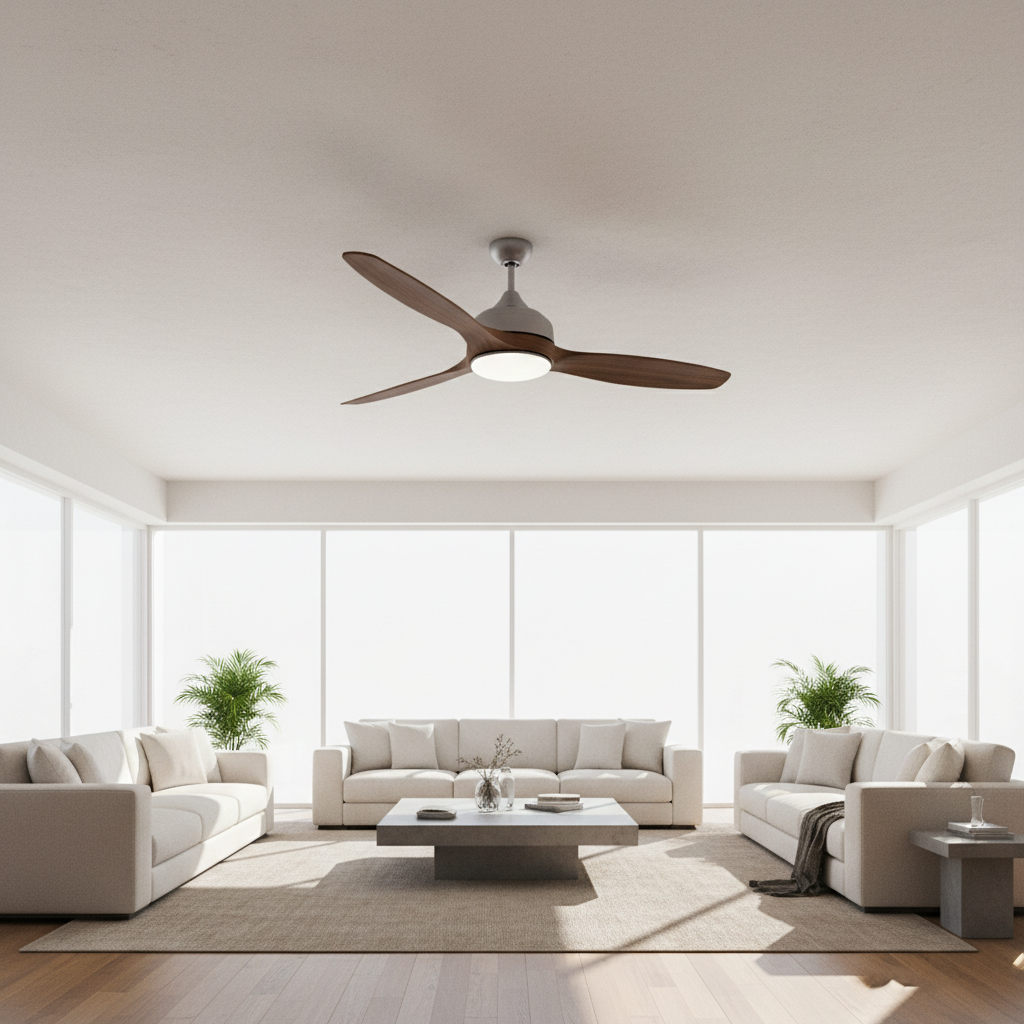
Ceiling Fan Not Turning On? Troubleshooting Tips to Get Your Fan Working Again
Is your ceiling fan not turning on, leaving you in an uncomfortable, hot room? A ceiling fan is an essential appliance in many homes, offering both comfort and energy efficiency. When it stops working, it can be frustrating and inconvenient. Fortunately, there are several common reasons why a ceiling fan might not turn on, and many of these issues can be fixed with simple troubleshooting techniques. In this comprehensive guide, we’ll explore the key steps to diagnose and resolve your ceiling fan problems so you can restore cool, refreshing air flow quickly.
Common Reasons Why Your Ceiling Fan Won’t Turn On
Before diving into detailed fixes, it’s important to understand some common reasons why a ceiling fan might fail to operate:
- Power Issues: The fan might not be receiving electricity due to a tripped circuit breaker, a faulty switch, or a blown fuse.
- Remote Control or Wall Switch Problems: If your fan uses a remote or wall control, a dead battery or malfunction could prevent activation.
- Wiring Problems: Loose, damaged, or disconnected wiring inside the fan or in the ceiling could be the culprit.
- Motor Failure: The internal motor that powers the fan may have worn out or seized.
- Capacitor Issues: Ceiling fans rely on capacitors to start and run the motor, and faulty capacitors can stop the fan from turning on.
- Obstructions: Sometimes blades or internal components may be blocked or stuck, preventing movement.
Step-by-Step Troubleshooting to Fix Your Ceiling Fan
1. Check the Power Supply
Begin by ensuring the fan is receiving power. Try these steps:
- Verify that the wall switch controlling the fan is turned on.
- Inspect the circuit breaker panel to see if the breaker controlling your fan’s circuit has tripped. Reset it if necessary.
- Test the outlet or power source with another device or a voltage tester.
2. Examine the Wall Switch and Remote Control
If your ceiling fan is controlled by a wall switch or remote, this could be faulty:
- Replace batteries in the remote control.
- Use the manual pull chain on the fan (if available) to bypass the remote or switch controls.
- Inspect and replace wall switches if they feel loose or don’t click properly.
3. Inspect the Fan’s Wiring Connections
Loose or disconnected wiring inside the fan’s canopy or ceiling box may prevent operation. For safety:
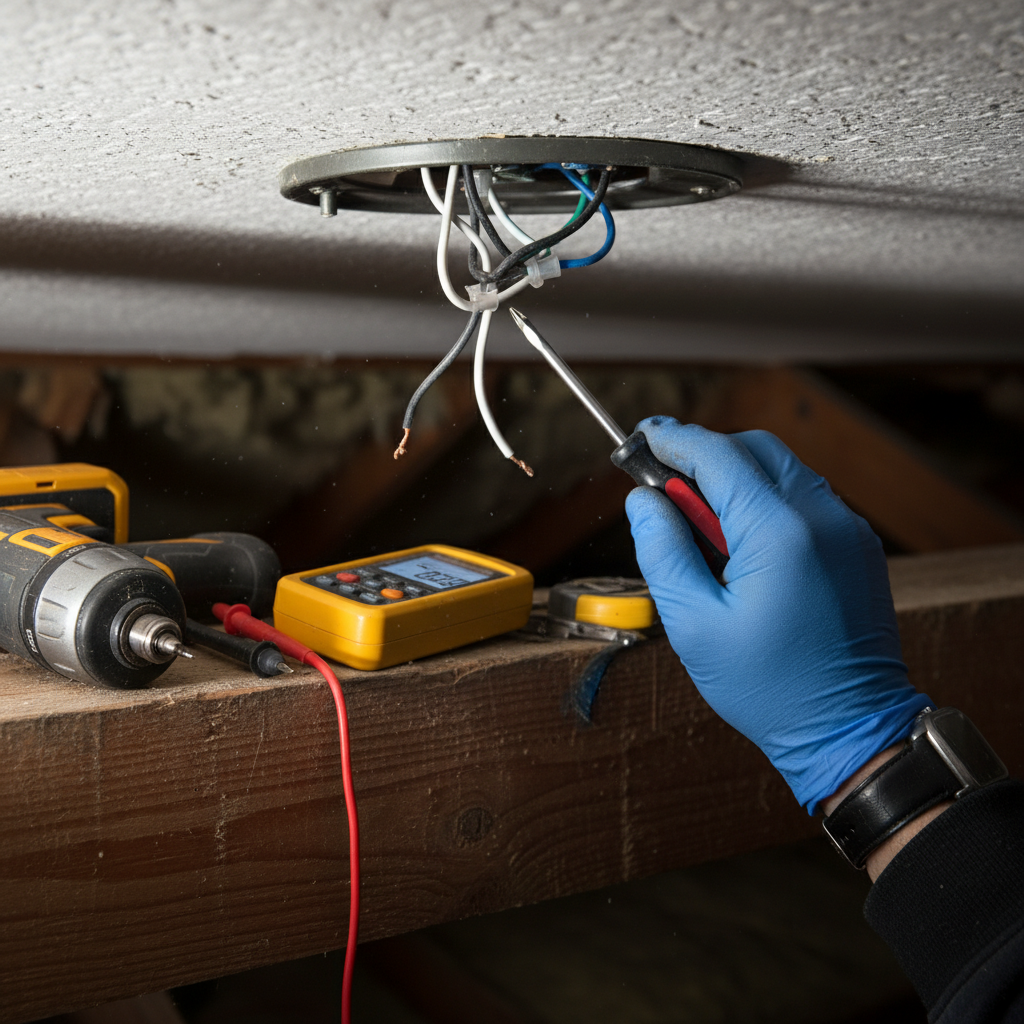
- Turn off power at the breaker before opening the fan’s connection housing.
- Check all wire nuts and connections to ensure they are secure.
- Look for damaged or frayed wires and replace as needed.
- If unsure or uncomfortable with electrical work, call a licensed electrician.
4. Test the Capacitor
The ceiling fan’s capacitor is a small cylindrical component that helps start the motor. Signs it needs replacing include humming noises without blade movement. You can:
- Use a multimeter to test the capacitor’s microfarad (µF) rating.
- Replace it with a capacitor matching the specifications if readings show failure.
5. Check the Fan Motor
If power and wiring are fine but the fan won’t start, the motor may be at fault:
- Listen for humming sounds – if present, motor windings may be stuck.
- Try gently spinning the blades by hand to free a stuck motor.
- If the motor is burnt out or seized, replacing the motor or entire fan may be necessary.
6. Look for Physical Obstructions
Make sure nothing is physically blocking the fan blades:
- Inspect for dust, debris, or foreign objects obstructing blade movement.
- Clean and lubricate bearings if they seem stiff or noisy.
When to Call a Professional
While many ceiling fan problems can be resolved with basic troubleshooting, you should contact a licensed electrician or professional handyman if:
- You’re uncomfortable working with electricity or disassembling your fan.
- The fan shows signs of electrical burning or sparking.
- After all basic fixes, the fan still refuses to work.
- You need upgrades or wiring rewiring for new fan installations.
Preventative Maintenance Tips for Ceiling Fans
To keep your ceiling fan running smoothly and avoid future issues, consider the following maintenance practices:
- Regularly dust and clean fan blades and motor housing to prevent buildup.
- Use the fan’s pull chains or switch controls gently to prevent damage.
- Lubricate bearings annually if your fan requires it (check manufacturer’s recommendations).
- Check remote control batteries frequently.
- Schedule periodic inspections for any wiring or electrical wear.
Frequently Asked Questions (FAQs)
Why does my ceiling fan hum but not turn on?
This usually indicates a faulty capacitor or a stuck motor. The capacitor helps start the fan motor, and if it fails, the motor may hum without spinning.
Can a ceiling fan turn on without power?
No, a ceiling fan requires electrical power to function. If there’s no power due to a tripped breaker or faulty wiring, it won’t operate.
How do I reset a ceiling fan?
There’s not typically a reset button, but turning off power at the breaker for a few minutes and turning it back on can sometimes clear issues. Also, replacing the remote batteries or resetting the remote controls may help.
Is it safe to work on the wiring of a ceiling fan myself?
If you’re experienced with electrical work and take proper precautions (turning off power, using insulated tools), it can be safe to inspect wiring. However, if unsure, it’s best to hire a licensed electrician for safety.
How long do ceiling fans typically last?
With proper maintenance, quality ceiling fans can last 10-15 years or more. Motor wear and environmental factors influence lifespan.
Additional Resources
For more detailed information and safety tips on ceiling fan maintenance and repair, the Good Housekeeping guide on ceiling fan repair offers expert advice and step-by-step instructions.