Troubleshooting Guide: Why Your Ceiling Fan Is Not Turning On and How to Fix It
If you’ve flipped the switch or tried the remote and your ceiling fan is not turning on, it can be frustrating—especially during hot days when the fan is needed most. A ceiling fan that doesn’t start could be due to various simple or complex issues. In this comprehensive guide, we’ll explore common reasons why your ceiling fan isn’t turning on and provide step-by-step solutions to get it working again, ensuring your home stays comfortable and cozy.
Common Reasons a Ceiling Fan Won’t Turn On
Understanding why your ceiling fan is not turning on is the first step towards fixing the problem. Below are the most frequent causes:
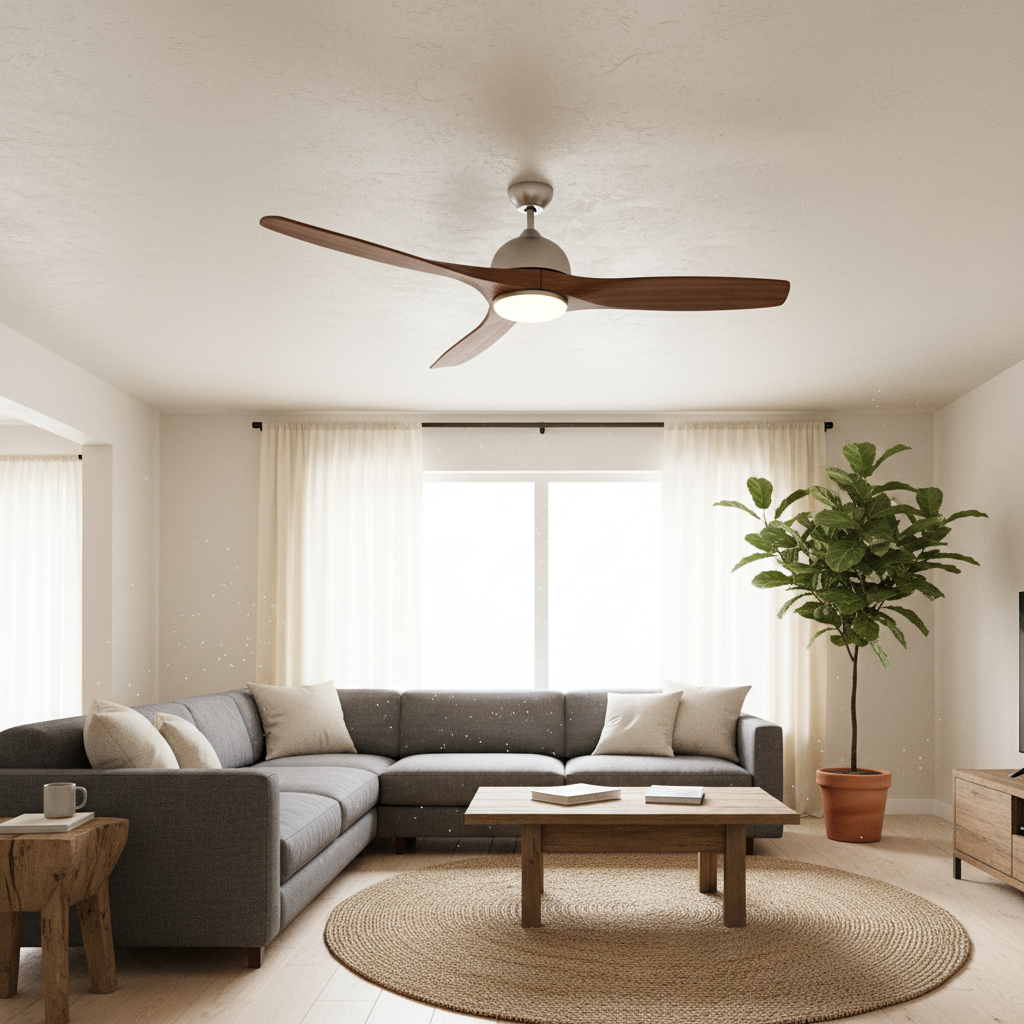
- Power Supply Issues: The fan might not be receiving electricity due to a tripped circuit breaker, a blown fuse, or a faulty wall switch.
- Faulty Remote Control or Receiver: If your fan is remote-controlled, issues with the remote or receiver can prevent the fan from turning on.
- Loose or Disconnected Wiring: Wires connected to the fan or at the switch can come loose or degrade over time.
- Capacitor Failure: Ceiling fans use capacitors to help start the motor. A bad capacitor can keep the fan from starting.
- Motor Problems: The motor itself might have worn out or encountered internal issues.
- Obstructions or Mechanical Blockages: Debris inside the fan housing or broken fan blades can prevent the fan from spinning.
- Safety Switches or Sensors: Some modern fans include thermal protection or safety sensors that can disable the fan if an issue is detected.
Step-by-Step Troubleshooting for a Ceiling Fan Not Turning On
1. Check the Power Source
Before diving deep into repairs, ensure the fan is getting power:
- Check your home’s circuit breaker panel to see if a breaker has tripped. Reset it if necessary.
- Test the wall switch controlling the fan. Try toggling it on and off several times.
- If possible, plug in a device or use a voltage tester to confirm if power is reaching the fan’s wiring.
2. Inspect the Remote Control and Receiver
If you use a remote control, ensure that:
- The remote batteries are fresh and inserted correctly.
- The remote’s frequency matches the fan’s receiver (consult the fan’s manual).
- The receiver inside the fan is wired correctly and not damaged.
- Reset the remote control by removing the batteries for 10 seconds and then reinserting them.
3. Examine the Wiring Connections
Turn the power off at the breaker before opening the fan canopy. Examine all wiring connections:
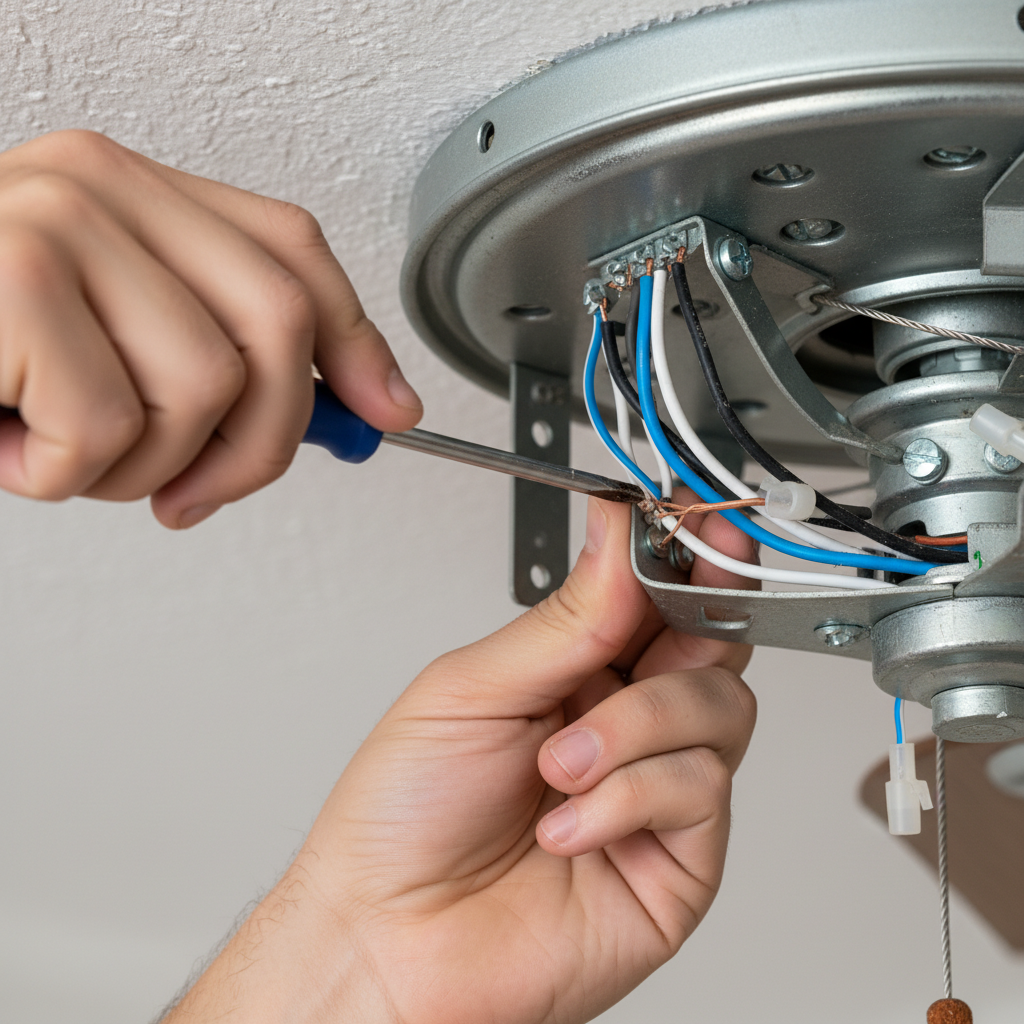
- Look for any loose wire nuts or disconnected wires.
- Check for any signs of burning or corrosion and replace wires if necessary.
- Tighten all connections firmly but carefully to avoid damaging wires.
4. Test or Replace the Capacitor
The capacitor is a small electrical component that helps the motor start turning. Signs of capacitor failure include humming without movement or no fan operation:
- Capacitors can be tested with a multimeter capable of measuring capacitance.
- If found faulty, replacing the capacitor is usually an affordable repair.
- Refer to your fan’s model specifications for the correct replacement part.
5. Inspect the Ceiling Fan Motor
The motor may be clogged or worn out.
- Check the motor shaft for obstruction by manually rotating the blades (with power off).
- If the fan blades won’t turn freely or you hear grinding noises, the motor may need professional servicing or replacement.
6. Check for Mechanical Blockages
Sometimes, dust, dirt, or debris can build up, or a blade might be stuck. Remove the fan blades and clean the motor housing and blades thoroughly using a brush or compressed air.
7. Safety Switches or Thermal Protection
Some fans have built-in overload protectors that shut off power if the motor overheats:
- Let the fan cool down for at least 30 minutes and then try turning it back on.
- If the problem persists, the protective device or fan motor might require a professional evaluation.
When to Call a Professional Electrician
While many ceiling fan issues are DIY-friendly, situations that demand expert help include:
- Extensive electrical wiring problems beyond simple fixes.
- A damaged or malfunctioning motor that requires disassembly or replacement.
- Repeated circuit breaker trips linked to the fan.
- Installation or replacement of complex remote control systems.
Safety should always be your priority when working with electrical fixtures. If you’re uncomfortable or unsure about handling wiring or testing capacitors, consult a licensed electrician.
Tips for Preventing Ceiling Fan Problems
- Regular Cleaning: Dust buildup can strain the motor. Clean blades and motor covers seasonally.
- Routine Inspection: Check wiring and hardware loosely connected during installation.
- Use Correct Controls: Ensure switches and remotes match your fan’s specifications.
- Avoid Overloading: Don’t use dimmer switches not rated for ceiling fans.
Frequently Asked Questions (FAQs)
Why does my ceiling fan hum but not spin?
A humming fan motor often means the capacitor is faulty, or the motor bearings are stuck. Testing or replacing the capacitor usually resolves this issue.
Can a ceiling fan work without a capacitor?
No, the capacitor provides the initial boost to start the motor and maintain smooth operation. Without it, the fan will not function correctly.
Why is my ceiling fan remote not working?
Check the batteries, ensure the remote and receiver are synced, and verify the receiver wiring. Resetting the remote sometimes resolves connection issues.
Is it safe to fix a ceiling fan myself?
Simple tasks like replacing blades or resetting remotes are generally safe. However, work involving electrical wiring or motor replacement should be done by a professional to prevent hazards.
How often should I clean my ceiling fan?
It’s best to clean your ceiling fan at least twice a year to avoid dust buildup that can affect motor performance.
Final Thoughts
A ceiling fan not turning on doesn’t always signal an expensive problem. Often, it’s a matter of simple troubleshooting—checking power sources, remote controls, wiring, or capacitors. By following this detailed guide, you can identify and solve most issues causing your fan to stop working. Remember, when in doubt, always call a licensed electrician to keep your home safe and comfortable.
For more safety tips and detailed electrical advice, check out this helpful resource from Good Housekeeping.