Ceiling Fan Not Turning On? Here’s How to Troubleshoot and Fix It Fast
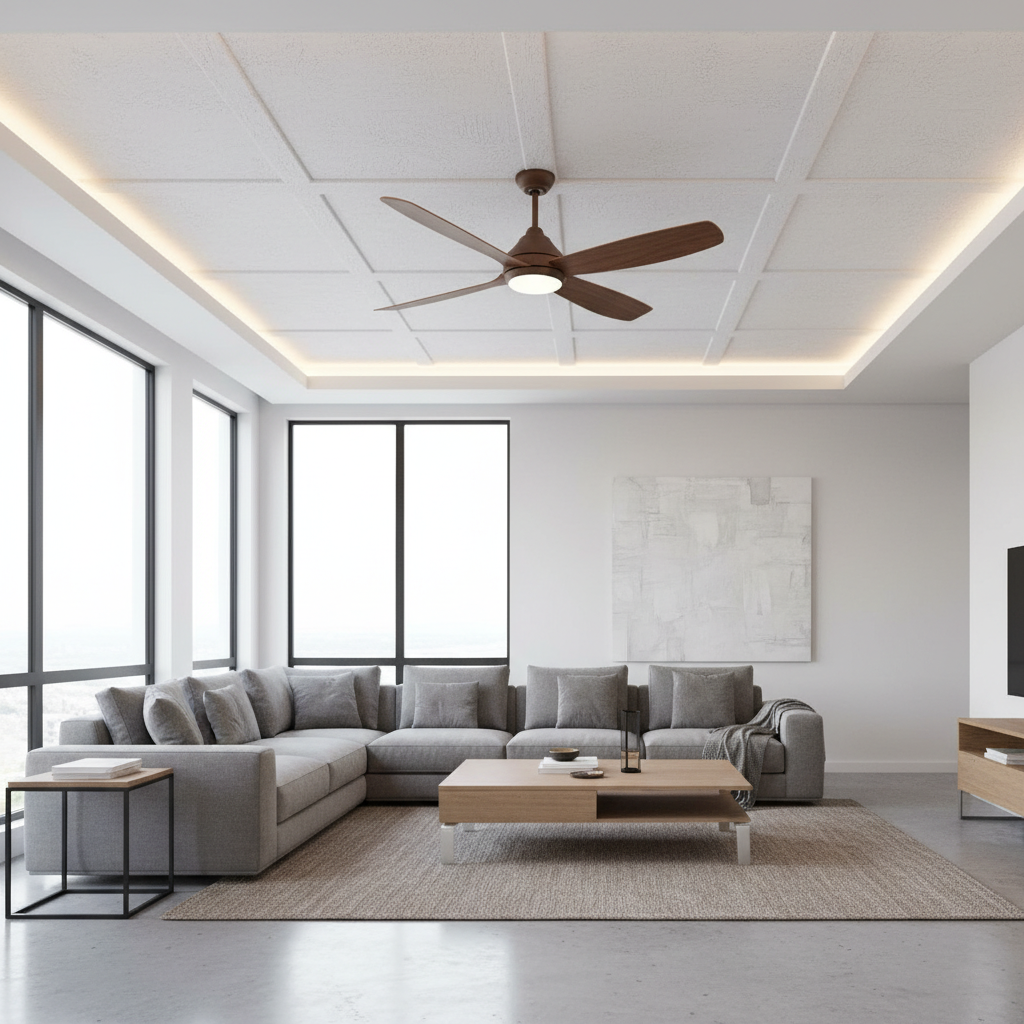
When your ceiling fan is not turning on, it can be frustrating, especially on hot days when you rely on it for cooling and air circulation. A ceiling fan that won’t start could result from simple issues like a tripped breaker or more complex electrical problems. In this comprehensive guide, we’ll walk you through common reasons why your ceiling fan is not turning on and provide step-by-step troubleshooting tips to get it spinning again quickly.
Common Reasons Why Your Ceiling Fan Isn’t Turning On
Identifying the cause of a ceiling fan not working can save you time and prevent unnecessary service calls. Here are the most frequent culprits:
- Power Supply Issues: Check if the fan is receiving power from the circuit.
- Faulty Wall Switch or Remote Control: A broken switch or dead batteries can stop the fan from responding.
- Loose or Disconnected Wiring: Wiring problems inside the fan or the electrical box can interrupt power flow.
- Burnt Out Capacitor: The capacitor helps the motor start; if it’s damaged, the fan won’t spin.
- Motor Failure: A worn-out or shorted motor may require replacement.
- Obstructions or Mechanical Issues: Physical blockage or seized bearings can prevent fan blades from moving.
Step-by-Step Troubleshooting Guide for Ceiling Fans
1. Verify the Power Supply
First, confirm that the fan is receiving electrical power:
- Check the circuit breaker or fuse box to ensure the circuit hasn’t tripped or blown. Reset the breaker if necessary.
- Switch on other devices connected to the same outlet or circuit to verify power availability.
- If using a remote-controlled fan, make sure the remote batteries are fresh and functioning.
2. Inspect the Wall Switch
The wall switch that controls your fan might be faulty:
- Toggle the switch on and off several times to test responsiveness.
- If your fan uses a separate switch or dimmer, try bypassing it or replacing it temporarily.
- Use a voltage tester or multimeter to determine if the switch is transmitting power.
3. Examine the Fan’s Wiring
Loose or damaged wiring is a common issue:
- Turn off power at the circuit breaker before inspecting wiring.
- Remove the fan canopy cover to access the wiring connections.
- Look for loose wire nuts, disconnected wires, or signs of scorching.
- Tighten any loose connections securely, and replace any damaged wires.
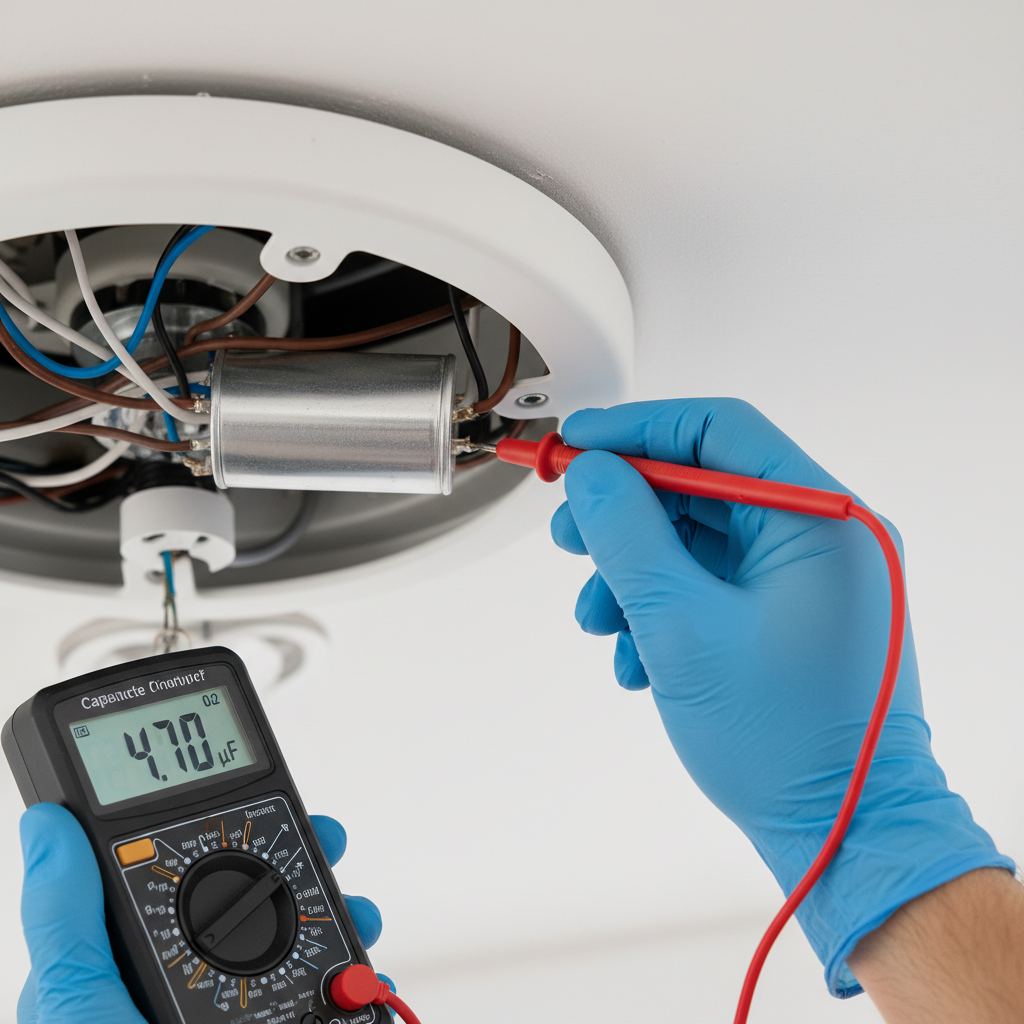
4. Test or Replace the Capacitor
The capacitor is essential for fan startup:
- Locate the capacitor inside the fan housing. It is typically a small, oval or cylindrical component.
- If you have a multimeter, test the capacitor’s microfarad (μF) rating to see if it matches specifications.
- A faulty capacitor often requires a replacement—the cost is usually low and the part easy to install.
5. Check for Mechanical Issues
Sometimes the fan won’t turn because of physical obstructions or motor problems:
- Manually try to spin the blades—if they resist turning, the motor bearings may be seized.
- Look for debris or dirt that could be jamming the blades or motor parts.
- If the motor hums but doesn’t turn, this indicates a possible motor or capacitor failure.
6. Call a Professional if Needed
If you’ve exhausted these troubleshooting steps and the fan still won’t turn on, it may be best to consult a licensed electrician. Electrical issues can become hazardous if handled improperly.
Preventative Maintenance Tips to Keep Your Ceiling Fan Running Smoothly
Proper upkeep can extend the life of your ceiling fan and prevent sudden breakdowns:
- Regular Cleaning: Dust buildup can clog the motor or bearings, so wipe down blades and housing every few months.
- Lubricate Bearings: Some fans benefit from periodic oiling of their motor bearings—check your manufacturer’s instructions.
- Check Screws and Mounts: Tighten loose screws to avoid wobbling and undue wear on the fan components.
- Replace Remote Batteries: Keep batteries fresh for remote-controlled fans to avoid intermittent operation.
- Inspect Wiring Annually: A yearly safety check of wiring can catch wear or damage early.
Frequently Asked Questions About Ceiling Fans Not Turning On
Why does my ceiling fan hum but not spin?
This usually indicates a faulty capacitor or motor. The motor attempts to start turning and thus produces noise, but it cannot overcome the resistance without a functioning capacitor.
Can a bad wall switch cause my fan not to turn on?
Yes, if the switch is broken or improperly wired, it may interrupt power flow to the fan, preventing startup.
Is it safe to fix electrical issues in a ceiling fan myself?
If you are experienced with electrical work and follow safety precautions (like turning off the breaker), basic troubleshooting is often safe. For complex problems, it’s best to hire a professional.
What is the average cost to repair a ceiling fan?
Minor repairs like replacing a capacitor or switch usually cost under $50 for parts, with optional professional labor charges varying by location.
How long do ceiling fans typically last?
With proper maintenance, ceiling fans can last 10-15 years or more. Motors may wear out sooner if exposed to moisture or heavy use.
Additional Resources
For more detailed advice on ceiling fan maintenance and safe electrical practices, visit Good Housekeeping’s guide to ceiling fans. Their comprehensive troubleshooting and installation resources offer trusted information to keep your home cool and comfortable.
By following these troubleshooting steps and maintenance tips, you can quickly resolve why your ceiling fan is not turning on, saving time and costs while restoring comfort to your living space.