Ceiling Fan Not Turning On? Ultimate Troubleshooting Guide to Fix Your Fan Today
If you’re dealing with a ceiling fan not turning on, you’re not alone. Ceiling fans are a staple in many homes for their cooling efficiency and energy savings, but like any appliance, they can encounter problems. Whether the fan fails to respond to the pull chain, remote control, or wall switch, pinpointing the issue can seem daunting. In this article, we’ll walk you through detailed troubleshooting steps to help you identify why your ceiling fan won’t spin and guide you through easy fixes to get it back up and running.
Common Reasons Why Your Ceiling Fan Won’t Turn On
The first step to repair is to understand what might be causing the fan to malfunction. Some of the most frequent reasons include:
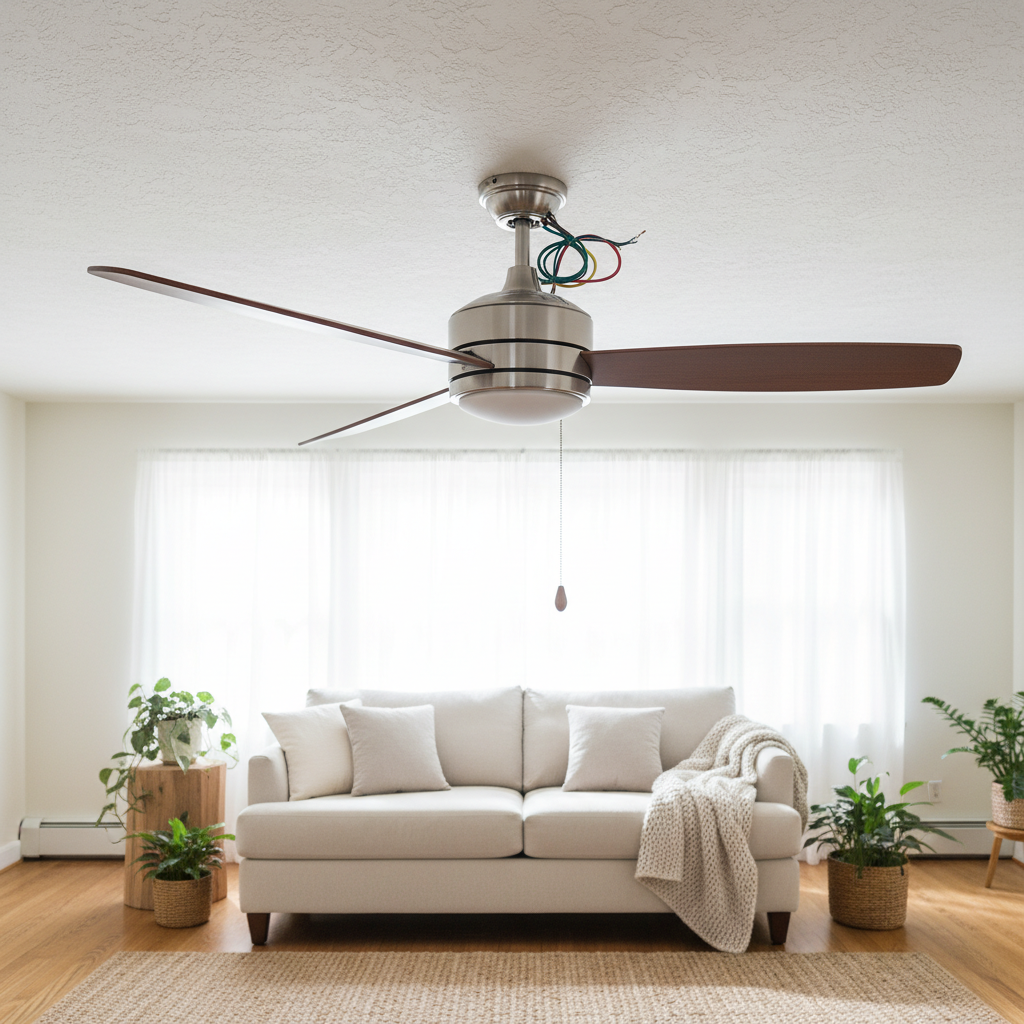
- Power Supply Issues: No electricity reaching the fan due to tripped circuit breakers, blown fuses, or faulty wiring.
- Faulty Wall Switch or Remote Control: Malfunctioning switches or dead batteries in remotes can prevent the fan from receiving an on signal.
- Worn Out or Broken Capacitor: The capacitor is vital for starting the fan motor; if it’s damaged, the fan won’t start.
- Pull Chain Problems: A stuck or broken pull chain can halt the fan’s function, especially in models operated manually.
- Motor Issues: A burnt-out or seized motor will stop the fan from turning on or spinning.
Step-by-Step Troubleshooting Guide
1. Check the Power Source
Before diving into complicated fixes, verify that your fan is getting power:
- Ensure the circuit breaker hasn’t tripped or a fuse hasn’t blown.
- Try turning on a nearby light or appliance to confirm power at the switch or outlet.
- If you use a wall switch, toggle it on and off several times to test responsiveness.
If power isn’t reaching the fan, reset your breaker or replace the fuse accordingly. For persistent electrical issues, consult a licensed electrician.
2. Inspect the Remote Control and Batteries
Many modern ceiling fans operate with remote controls. If your fan won’t power on via remote:
- Replace the remote’s batteries with new ones.
- Confirm the remote is paired or synchronized with the fan as per the manufacturer’s instructions.
- Check for possible interference from other wireless devices in the room.
3. Examine the Pull Chain
If your ceiling fan uses a pull chain, it might have become stuck or damaged:
- Pull the chain gently and see if it moves freely without resistance.
- Look for any visible breaks or kinks in the chain mechanism.
- If broken, the pull chain switch assembly can usually be replaced without changing the entire fan.
4. Test or Replace the Capacitor
The capacitor provides the necessary jolt to start your fan motor. If your fan hums but does not spin or won’t start at all, the capacitor might be faulty:
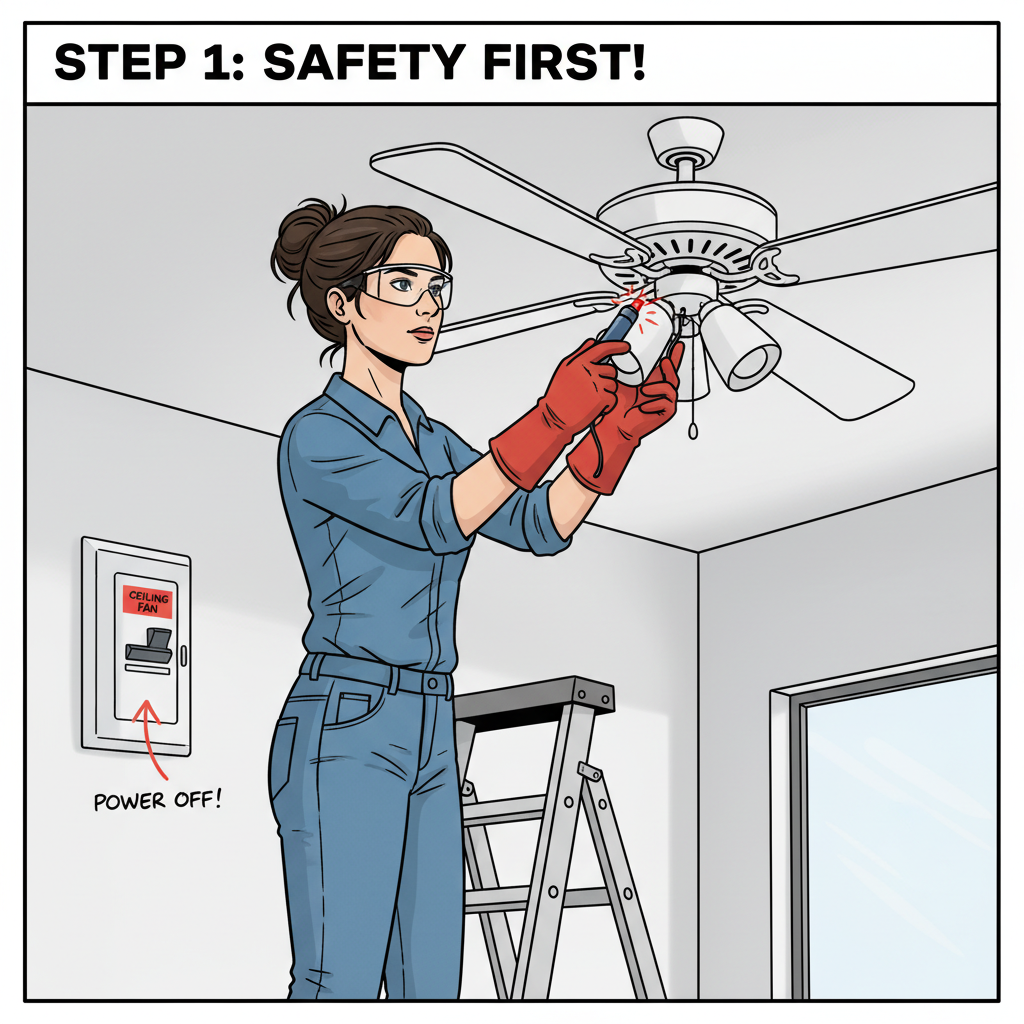
- Safety first: Turn off the breaker before opening the fan’s canopy to access the capacitor.
- Use a multimeter to test the capacitor’s microfarad rating. A reading significantly different from the label indicates failure.
- Replace the capacitor with one matching the original specifications.
5. Inspect the Fan Motor
If all else fails, the motor itself could be the culprit:
- Listen for humming sounds indicating a motor that’s stuck or struggling.
- Check for debris or dirt clogging the motor or fan blades.
- In some cases, the motor windings can burn out, and professional replacement or repair may be necessary.
Additional Tips for Maintaining Your Ceiling Fan
Regular maintenance can prevent many common ceiling fan problems:
- Clean the blades frequently to avoid dust build-up that can strain the motor.
- Tighten any loose screws or mounting hardware.
- Lubricate motor bearings if your fan requires it (check manufacturer recommendations).
- Test remote control batteries routinely.
When to Call a Professional
If you’ve tried the troubleshooting steps above and your ceiling fan still won’t turn on, it’s time to call in an expert. Electrical components like wiring and motors require specialized tools and knowledge. A licensed electrician or fan repair specialist can diagnose and fix complex wiring issues or replace damaged parts safely.
FAQs About Ceiling Fans Not Turning On
Q1: Why does my ceiling fan hum but not spin?
This is often due to a faulty capacitor, motor issues, or something obstructing the blades. Testing or replacing the capacitor is a common solution.
Q2: Can a bad wall switch prevent my fan from working?
Yes, a malfunctioning switch can interrupt power to the fan. You can test this by bypassing the switch or using a different switch, but always ensure power is off when inspecting.
Q3: How do I know if the fan motor is burnt out?
If the motor does not run at all after testing power, remote, and capacitor, and you hear a burning smell or see visible damage, the motor is likely burnt out.
Q4: Are there safety precautions to follow when repairing a ceiling fan?
Absolutely. Always turn off the power at the circuit breaker and confirm there’s no electrical current before working on the fan. Use insulated tools and consider calling a professional for complex repairs.
Q5: How can I prevent my ceiling fan from malfunctioning?
Regular cleaning, inspecting electrical components, and timely replacement of worn parts can keep your fan running smoothly for years.
For more expert advice and home maintenance tips, visit Good Housekeeping’s ceiling fan troubleshooting guide.