Why Is My Doorbell Not Working Suddenly? Essential Troubleshooting and Fixes
A doorbell serves as a key communication device for your home, alerting you to visitors and deliveries. When your doorbell not working suddenly disrupts this convenience, it can cause frustration and confusion. Fortunately, many doorbell issues can be diagnosed and repaired quickly with the right approach. In this comprehensive guide, we’ll explore the common reasons your doorbell might stop working without warning, step-by-step troubleshooting advice, and tips to restore your doorbell’s function efficiently.
Common Causes Why Your Doorbell Stops Working Suddenly
Before diving into repairs, it’s important to understand what might cause your doorbell to fail unexpectedly. Here are some typical culprits:
- Dead or faulty batteries: Wireless doorbells rely on batteries that can drain quickly.
- Electrical issues: Wired doorbells can have damaged wiring, blown fuses, or problematic transformers.
- Broken doorbell button: The physical button may become worn or stuck.
- Malfunctioning chime: The unit that produces sound might have internal damage.
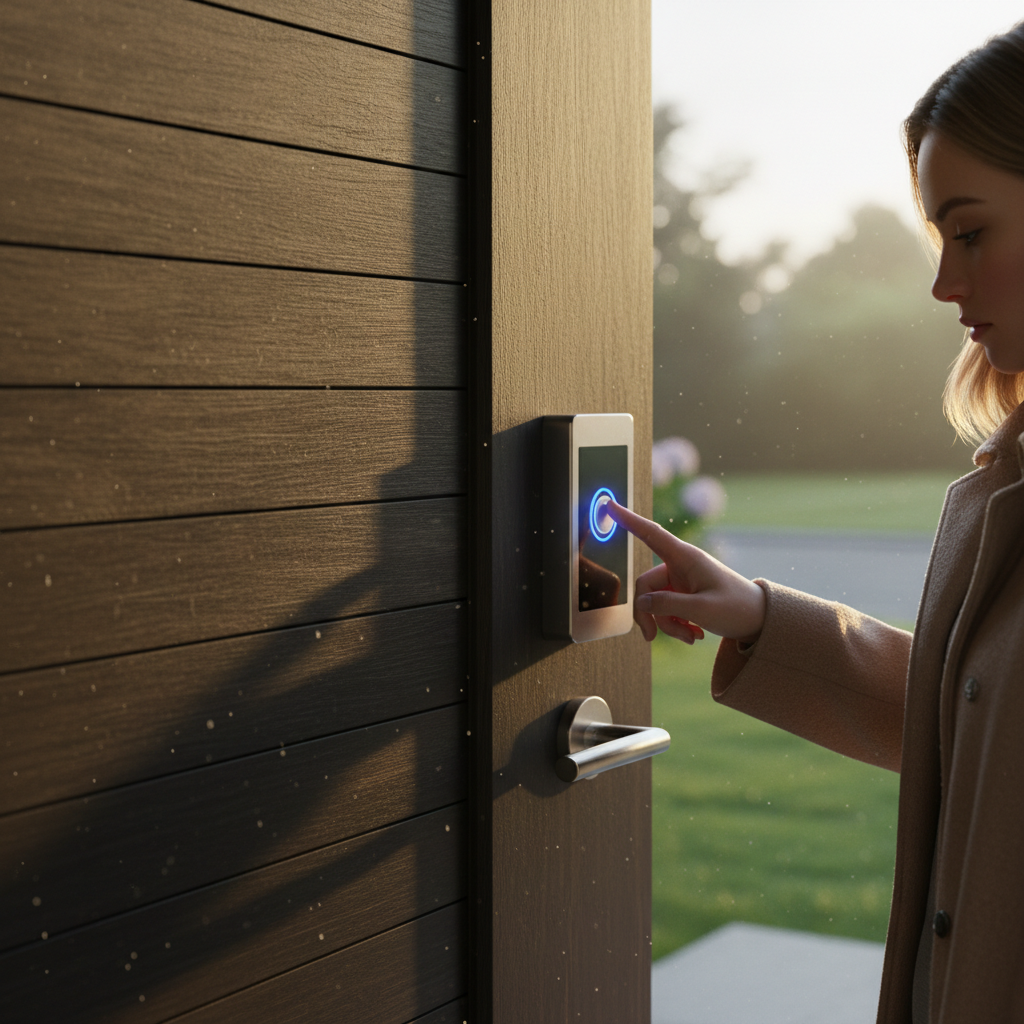
- Interference or connectivity issues: For smart doorbells, Wi-Fi disruptions can cause failure.
Step-by-Step Troubleshooting: How to Fix Your Doorbell
Now, let’s walk through practical steps to diagnose and potentially fix the problem yourself before calling a professional.
1. Check the Batteries
If your doorbell is wireless, the first and easiest check is the batteries. Replace the batteries in both the doorbell button and the chime unit with fresh, high-quality replacements. Sometimes, even if the batteries seem fine, replacing them can resolve sudden failures.
2. Inspect the Doorbell Button
On wired doorbells, the button acts as a switch. Press it firmly and listen for the chime. If nothing happens, remove the button cover to check for corrosion or loose wires. Clean any corrosion with a small brush and tighten connections as needed. If the button is physically damaged, replacement is usually affordable and straightforward.
3. Test the Transformer
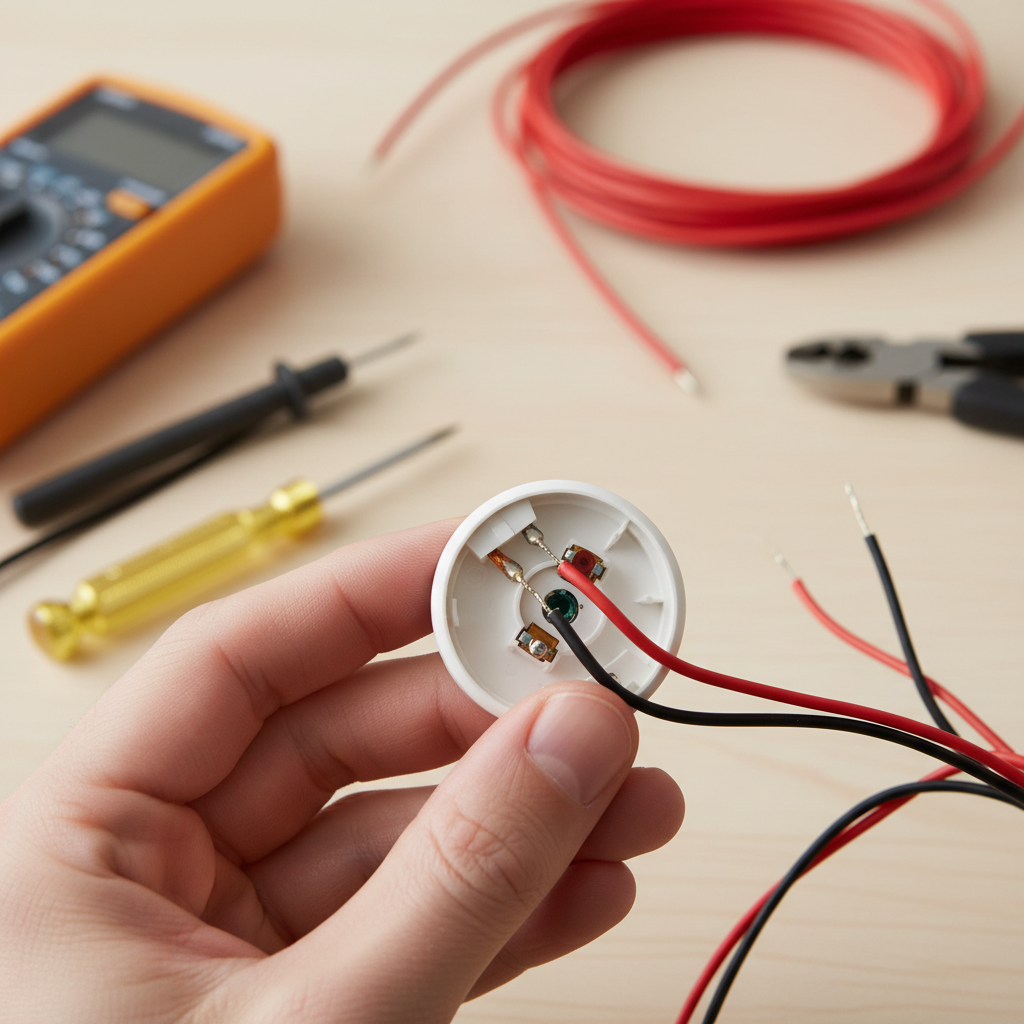
The transformer reduces your home’s 120V power to around 16V for the doorbell. Use a multimeter to verify voltage output. If it reads significantly lower or no voltage, the transformer might be defective and require replacement. Ensure safety by turning off the circuit breaker before working with electrical components.
4. Examine Wiring and Connections
Loose, frayed, or disconnected wiring can cause sudden doorbell failure. Visually inspect the wiring from the button to the chime and the transformer. Tighten any loose connections and repair damaged wires with electrical tape or wire nuts.
5. Check the Chime Unit
If the chime itself is not sounding, it might be defective. Tap gently on the chime to listen for a mechanical response. Some chimes can accumulate dust or debris; gently clean inside the unit if accessible. If damaged, replacing the chime with a compatible model may be necessary.
6. Investigate Smart Doorbell Connectivity
If you use a smart doorbell, sudden failure can be due to Wi-Fi connectivity issues or software glitches. Restart your router and the doorbell device. Make sure your Wi-Fi password hasn’t changed and that the doorbell’s firmware is up to date. You might also try reinstalling the companion app or resetting the device according to manufacturer instructions.
When to Call a Professional
While many doorbell issues are minor and can be solved without expert help, certain situations warrant a professional electrician or technician:
- If you are uncomfortable working with electrical wiring.
- If the transformer or internal wiring appears severely damaged.
- If the doorbell system is integrated into a complex smart home setup causing persistent connectivity issues.
Preventive Tips to Keep Your Doorbell Working Smoothly
- Regularly check and replace batteries in wireless units.
- Clean doorbell buttons and chimes periodically.
- Inspect wiring for wear annually or after storms.
- Keep your smart doorbell firmware updated and your Wi-Fi signal strong.
Additional Resources
For more detailed home wiring and doorbell maintenance advice, Good Housekeeping offers practical doorbell repair tips to help you maintain your home’s entryway devices safely and effectively.
Frequently Asked Questions (FAQs)
Why does my doorbell stop working suddenly after a storm?
Electrical surges or water damage might cause wiring faults or short circuits. Check for moisture on the doorbell button and wiring, and inspect the transformer.
How long do doorbell batteries usually last?
Battery life varies by model but typically ranges from six months to two years. Frequent use or extreme temperatures can shorten lifespan.
Can a blown fuse cause my doorbell to stop working suddenly?
Yes, if your doorbell is wired into a circuit with a fuse, a blown fuse could interrupt power. Check your home’s fuse box or circuit breaker.
What if my doorbell chime works but the button doesn’t trigger it?
This usually means the button is faulty or disconnected. Inspect and clean the button, checking wiring connections.
Are smart doorbells more prone to sudden failures?
While smart doorbells offer convenience, they rely on consistent Wi-Fi and power. Connectivity interruptions or firmware glitches can cause sudden malfunctions, but they are typically resolved through resets or updates.
Conclusion
A doorbell not working suddenly can disrupt your daily routine, but with some basic troubleshooting you can often identify and fix the issue quickly. Whether it is battery replacement, tightening wiring, or resetting a smart device, these steps will get your doorbell ringing again soon. For ongoing peace of mind, incorporate regular maintenance checks. And if electrical issues go beyond your comfort zone, don’t hesitate to seek professional help for safety and reliability.