Ceiling Fan Not Turning On? Troubleshooting Tips to Fix It Fast
A ceiling fan not turning on can quickly become a frustrating problem, especially when you rely on it to stay cool or circulate air in your home. Whether your fan is completely unresponsive or just refuses to start spinning, identifying the root cause is the first step toward a quick and effective solution. In this comprehensive guide, we’ll explore common reasons why your ceiling fan isn’t turning on and provide step-by-step troubleshooting tips that anyone can follow, no matter your level of DIY experience.
Common Reasons Why Your Ceiling Fan Won’t Turn On
Understanding the potential causes behind the malfunction is crucial before you dive into repairs. Here are the most frequent issues:
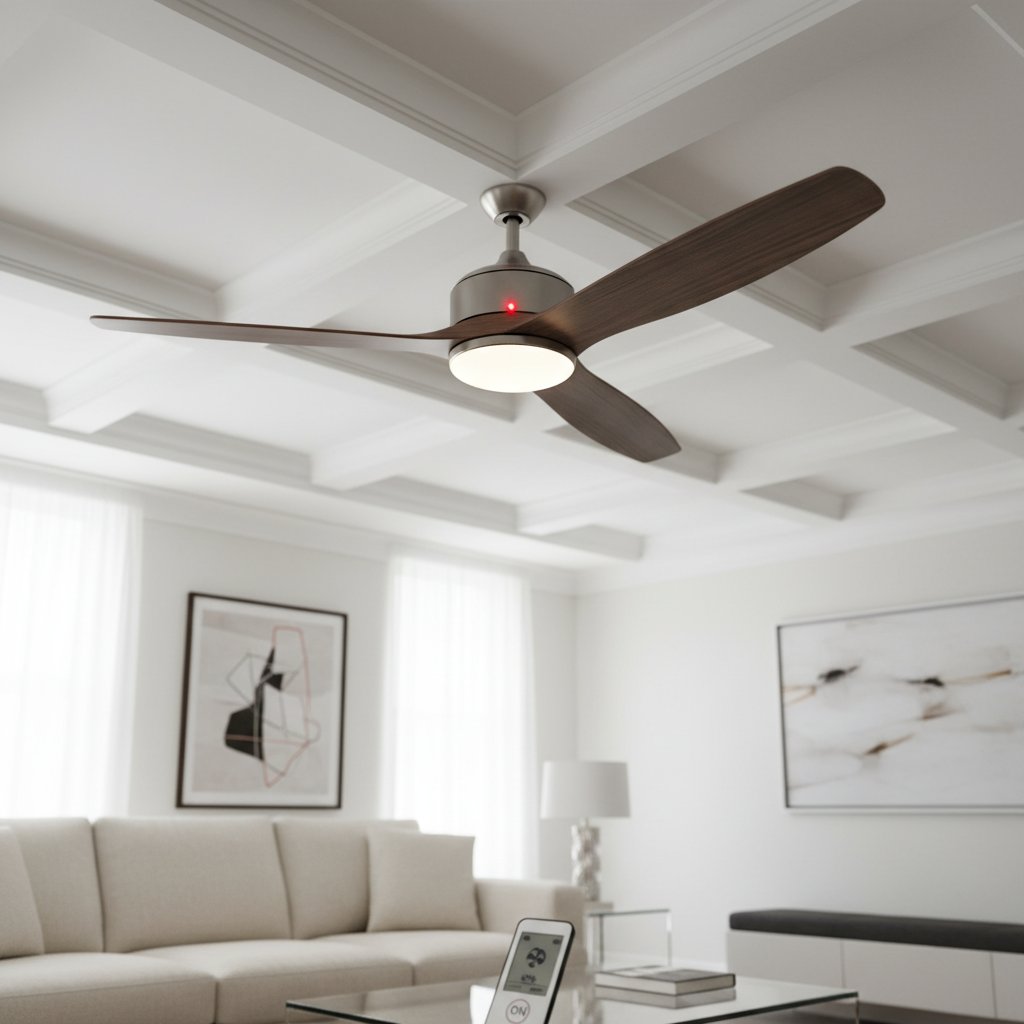
- Power supply problems: The fan might not be receiving power due to a tripped circuit breaker, blown fuse, or a faulty wall switch.
- Remote control or switch issues: If your fan uses a remote control or a pull chain, these components might be faulty or misaligned.
- Capacitor failure: The capacitor helps the fan motor start and run. A failed capacitor is a common culprit for fans that don’t start.
- Wiring problems: Loose or disconnected wiring inside the ceiling fan or the electrical box can disrupt power flow.
- Motor issues: A burned-out motor or worn bearings can prevent the fan from operating.
- Overheating protection: Some ceiling fans have thermal protection that shuts them off to prevent overheating.
Step-by-Step Troubleshooting Guide
1. Check the Power Supply
Start by ensuring the fan is properly connected to power. Here’s how:
- Verify that the circuit breaker has not tripped. If it has, reset it and test the fan again.
- Confirm the wall switch controlling the fan is turned on and functioning; try toggling it on and off.
- If your fan is controlled by a remote, check or replace the batteries.
- Examine if other fixtures on the same circuit have power, which helps identify if the problem is localized to the fan or the circuit.
2. Inspect the Pull Chain and Remote Control
If your fan uses a pull chain, it might be stuck or broken. Gently pull the chain to see if it moves smoothly and clicks for different speed settings or to turn on.
For remote-controlled fans, ensure the remote is working by using it on other compatible devices or try replacing the battery.
3. Examine the Capacitor
The capacitor plays a vital role in starting the fan motor. If you hear a humming noise but the blades don’t turn, the capacitor could be malfunctioning. Capacitors can be tested with a multimeter or visually inspected for bulges or leaks.
Replacing a capacitor is usually affordable and may restore your fan to working order quickly.
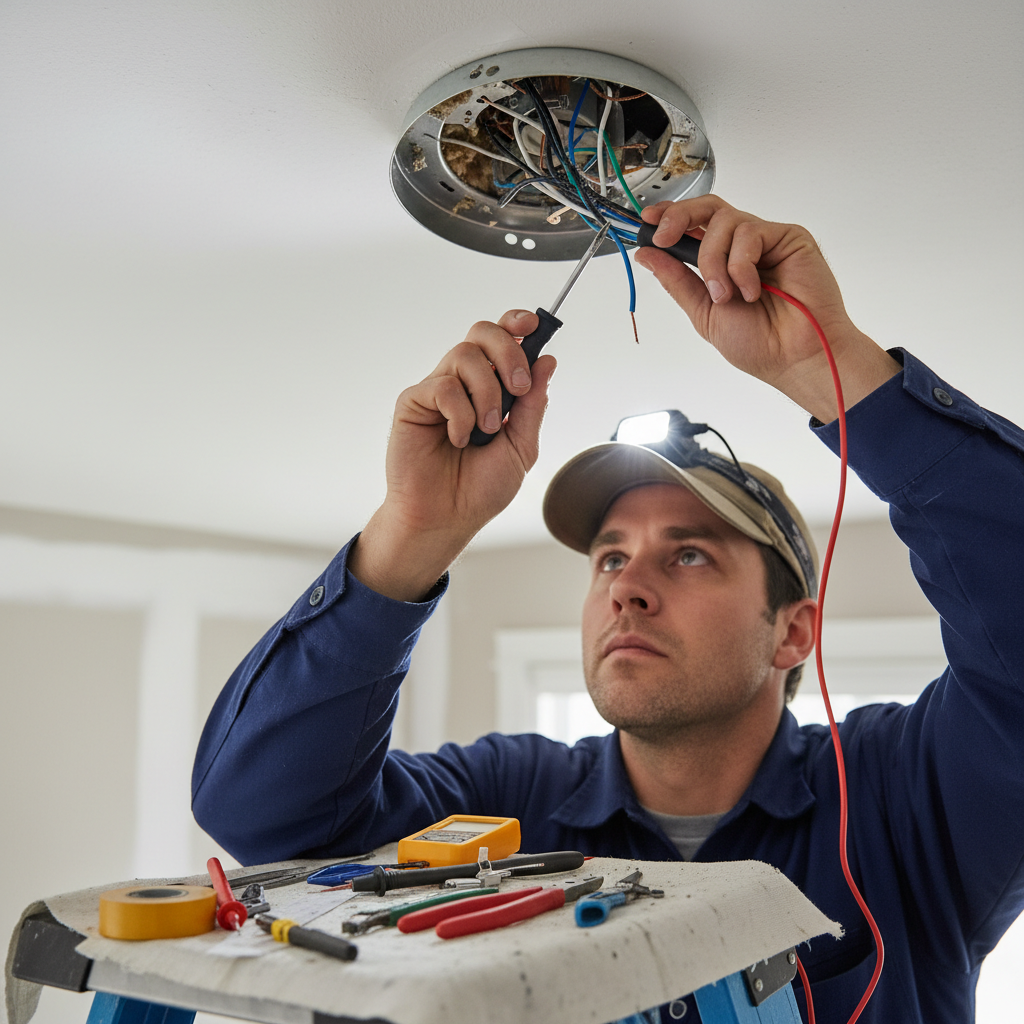
4. Check for Wiring Issues
Turn off the power at the breaker box before inspecting wiring. Remove the fan’s canopy cover and check the wire connections to ensure they are tight and secure.
If you notice disconnected, frayed, or damaged wires, you may need to reconnect or replace them. If you’re uncomfortable working with electrical wiring, consider hiring a licensed electrician.
5. Evaluate the Fan Motor
If your fan still won’t turn on after addressing power, switches, capacitors, and wiring, the motor itself might be faulty. Signs of motor failure include unusual noises, burning smells, or the fan refusing to spin despite humming sounds.
Motor replacement can be costly and may require professional assistance. In some instances, replacing the entire fan might be more economical.
Preventive Maintenance Tips to Avoid Fan Malfunctions
Keeping your ceiling fan in good shape can help prevent it from not turning on in the future:
- Clean the fan blades regularly to prevent dust buildup that can strain the motor.
- Lubricate moving parts if your fan’s design allows for it (some models are sealed and do not require lubrication).
- Check electrical connections periodically to ensure they remain secure.
- Use the fan within its specified voltage range to avoid electrical damage.
When to Call a Professional
If your troubleshooting attempts don’t resolve the issue or if you’re uncertain about working with electrical components, it’s wise to seek professional help. Licensed electricians can safely diagnose and fix complex wiring and motor problems.
Additional Resources
For more expert tips on ceiling fan care and electrical safety, Good Housekeeping’s guide on fixing ceiling fans offers detailed insights and steps.
FAQs About Ceiling Fans That Don’t Turn On
Q: Why does my ceiling fan hum but not spin?
A: This usually indicates a faulty capacitor or motor issue. The motor receives power and hums but can’t start spinning without a working capacitor.
Q: Can a blown fuse cause my ceiling fan to stop working?
A: Yes, if the fuse controlling your fan’s circuit blows, it cuts power completely. Check and replace any blown fuses.
Q: How often should I maintain my ceiling fan?
A: Ideally, clean and inspect your ceiling fan at least twice a year to keep it running smoothly.
Q: Is it safe to fix a ceiling fan myself?
A: Basic checks like power resetting and remote battery replacement are safe for most individuals. Electrical work involving wiring should be handled by a professional unless you have proper training.
Q: What is the average lifespan of a ceiling fan?
A: With proper maintenance, a quality ceiling fan can last 10-15 years or more.
Conclusion
A ceiling fan not turning on is often a manageable fix once you know where to look. By systematically checking power sources, switches, remotes, capacitors, wiring, and the motor, you can usually identify and resolve the problem quickly. Remember to prioritize safety by turning off power before inspecting wiring and seek professional help whenever necessary. A well-maintained ceiling fan ensures comfort and efficient air circulation in your home for years to come.